
Punch In Pro is a simple and efficient time-tracking app designed to help users log work hours accurately. It streamlines attendance management, improves productivity, and keeps records organized with an intuitive, user-friendly interface for everyday use
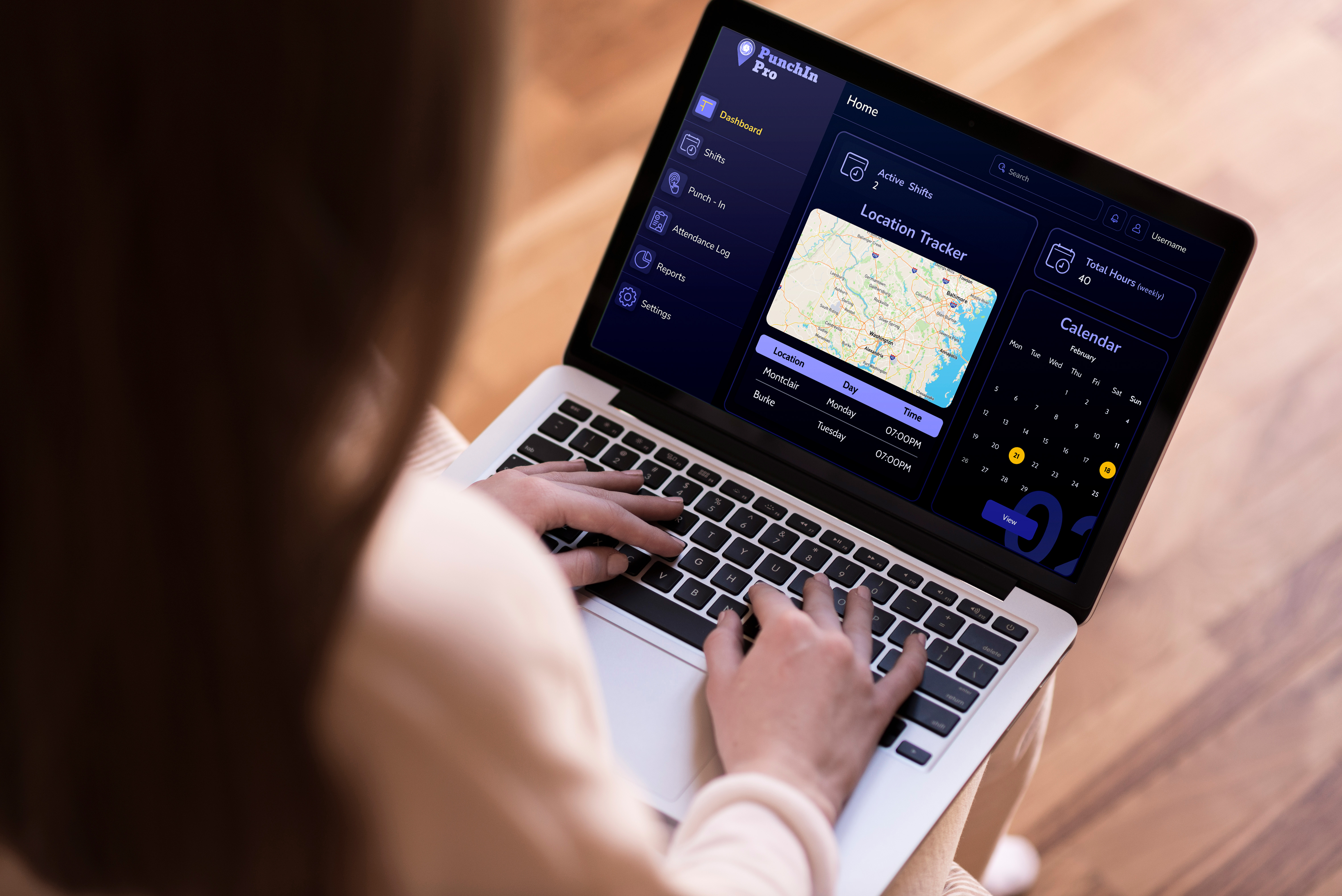
Punch In Pro is a simple and efficient time-tracking and attendance management application designed to help users log their work hours accurately and stay organized. The platform provides an intuitive interface that allows employees to punch in and out, view shifts, and track attendance records with ease across different work locations.
The goal of this project was to create a user-friendly system that reduces manual errors and improves transparency in tracking work hours. By integrating features such as real-time location tracking, shift management, and detailed attendance logs, Punch In Pro enhances productivity while ensuring a smooth and reliable user experience.
Many workplaces still rely on manual time tracking or outdated systems, which often lead to errors, missed entries, and inaccurate work hour records.
Employees and managers struggle to track attendance and shifts in real time, making it difficult to monitor productivity and manage schedules efficiently.
Shift details are often scattered across different platforms or communicated informally, causing confusion, missed shifts and poor coordination among team members.
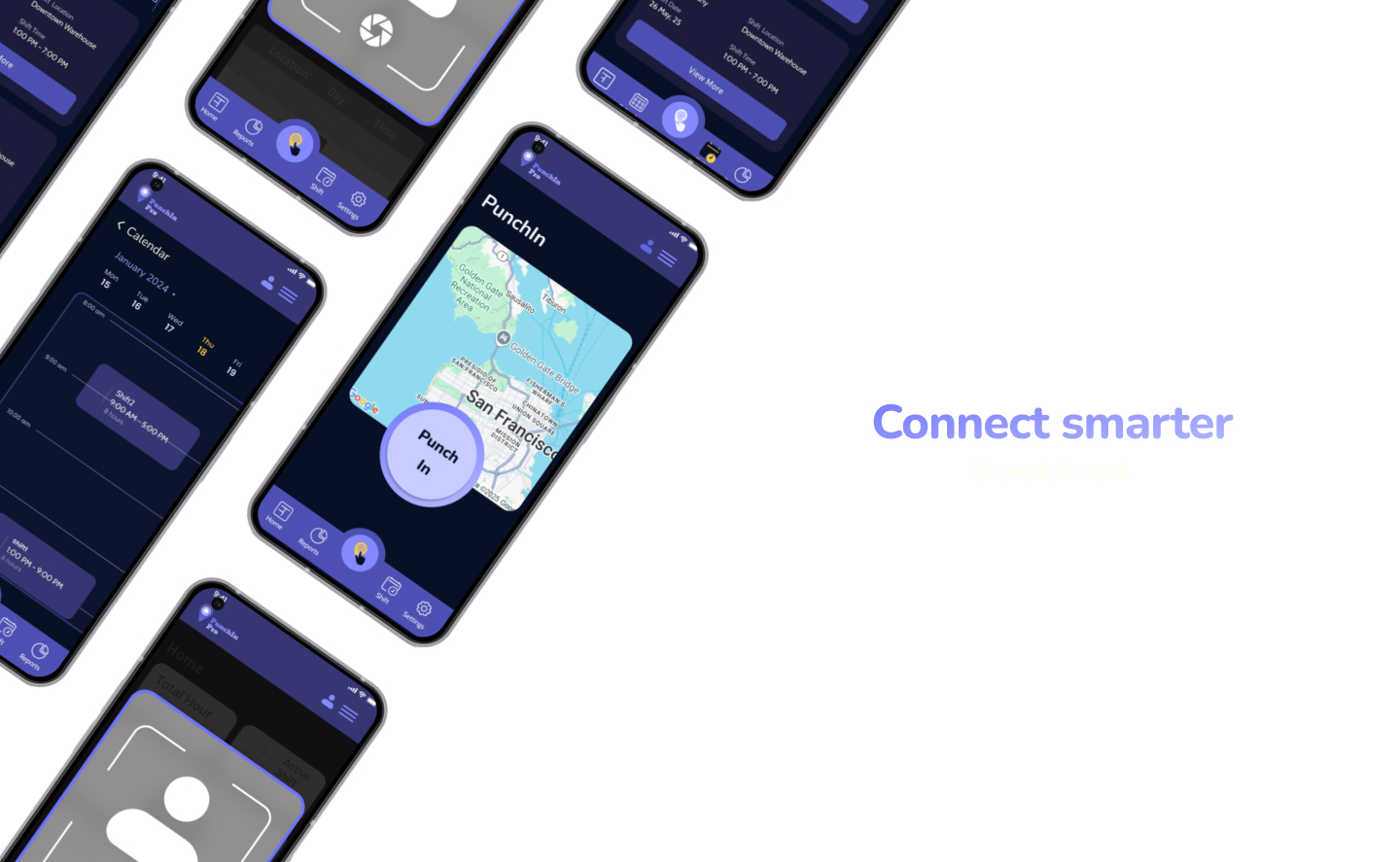
Focused on identifying how users interact with time-tracking systems in real work environments. Many users struggled with inconsistent tools, leading to missed entries and confusion. The goal was to create a solution that feels effortless and reliable in daily use.
Designed a clear and logical flow by organizing features into key sections like Dashboard, Shifts and Attendance. This helped users quickly find what they need without overthinking or navigating through unnecessary steps.
Built a cohesive visual system using a dark interface with strong contrast and consistent components. Emphasis was placed on readability, spacing and familiar UI patterns to make the experience intuitive and comfortable.
The final product simplifies time tracking by providing a clear and efficient way to log work hours and manage shifts. It reduces manual errors and improves accuracy while keeping all information organized in one place.
Explore more case studies or get in touch to discuss your project